
Asana,
Custom Asana workspace setup and automation for project teams
Asana — CRM & Productivity Case Study
Custom Asana workspace configuration, template design, and automation rules for scaling project management across distributed teams.
Three numbers that
tell the story upfront.
Reduction in status meeting time
Custom Asana workspace configuration, template design, and automation rules for scaling project management across distri…
Teams migrated to Asana
Custom Asana workspace configuration, template design, and automation rules for scaling project management across distri…
On-time task completion improvement
Custom Asana workspace configuration, template design, and automation rules for scaling project management across distri…
Before we got here,
here's what wasn't working.
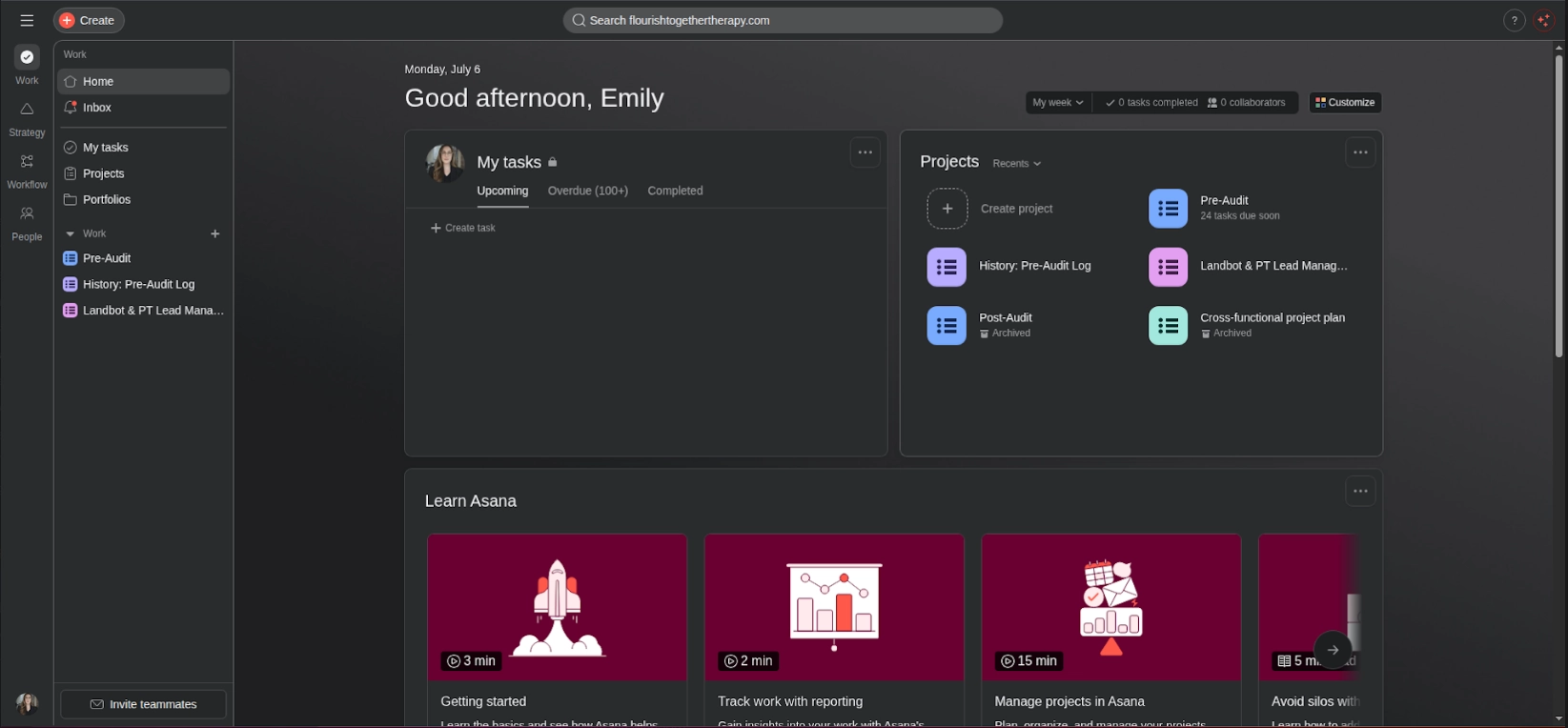
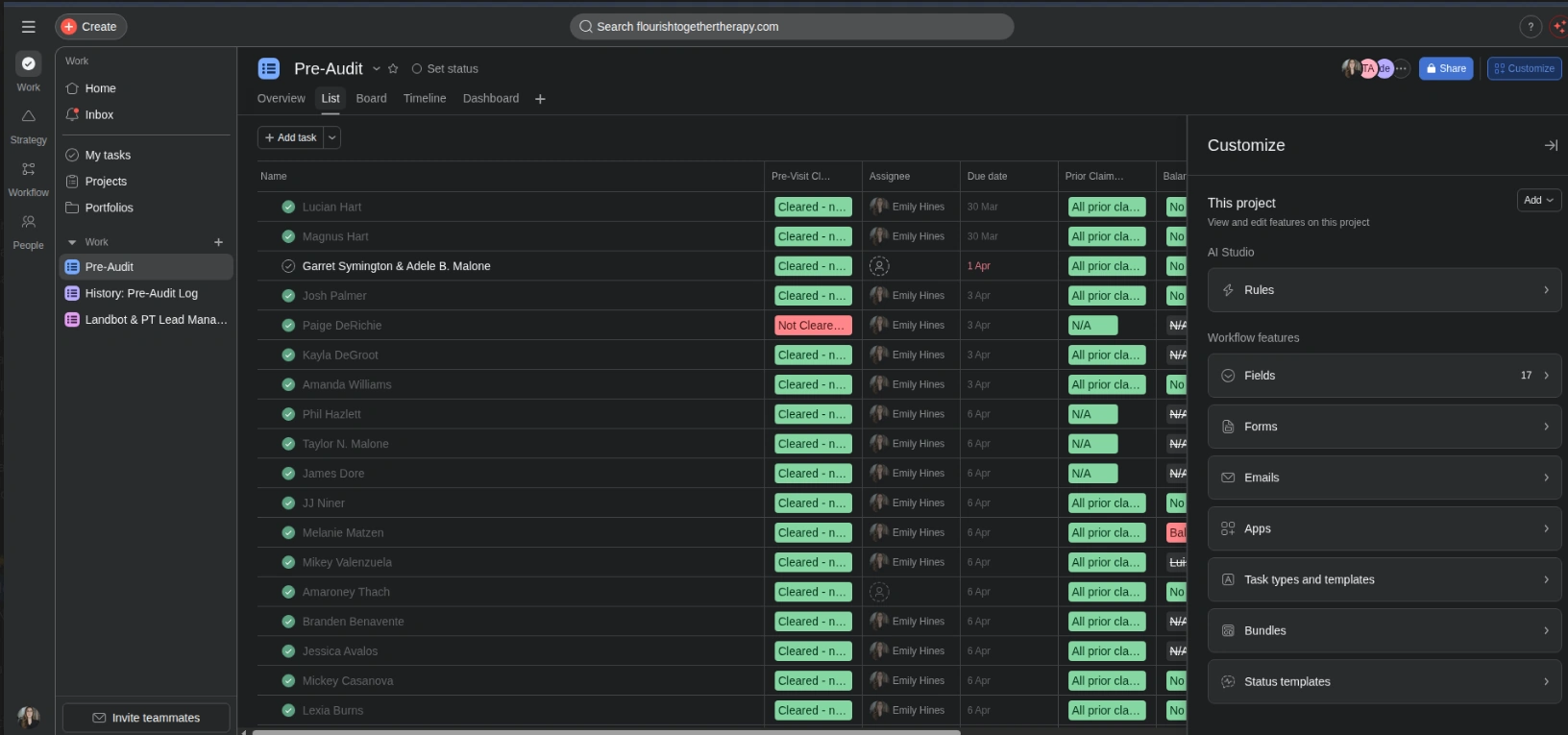
Asana implementation and optimisation projects for teams looking to standardise their project management operations. Work covers workspace architecture, custom field design, rule automation, and integration with tools like Slack, HubSpot, and Jira.
We confirmed every challenge with the team before writing a line of production code. The right column lists the pain points we tackled head-on and how we approached each one.
What wasn't working
BEFORETeams with different workflows requiring one unified system
Designed modular project templates that share a common backbone but allow per-team customisation at the section level.
Don't over-engineer.
Solve what matters, ship fast.
The instinct on complex projects is to rebuild everything from scratch. We pushed back. A full rewrite often means months of regressions while engineering rebuilds features that were already working.
We mapped the existing workflow against actual usage. The result was clear: a small set of features accounted for the majority of user time. We rebuilt the core, shipped fast, and extended outward.
On the technical side, we made clear decisions early and held them. The right column shows what we chose, and why.
4 decisions we made early
CHOSEN / REJECTEDWorkspace Architecture Design — how we built it
Custom Workspace Architecture Design — built for this product's exact needs and data model.
Generic SaaS tool that would require heavy workarounds and compromise the user experience.
Automated Status Updates — how we built it
Custom Automated Status Updates — built for this product's exact needs and data model.
Generic SaaS tool that would require heavy workarounds and compromise the user experience.
Cross-tool Integrations — how we built it
Custom Cross-tool Integrations — built for this product's exact needs and data model.
Generic SaaS tool that would require heavy workarounds and compromise the user experience.
Portfolio Reporting — how we built it
Custom Portfolio Reporting — built for this product's exact needs and data model.
Generic SaaS tool that would require heavy workarounds and compromise the user experience.
4 features that
define the product experience.
Every feature was scoped and shipped with the same priorities: speed, reliability, and staying out of the user's way.
Workspace Architecture Design
Team hierarchy, project templates, and section structures designed around the client's delivery methodology.
Automated Status Updates
Asana rules that auto-update task status, assign owners, and post to Slack on task completion.
Cross-tool Integrations
Zapier zaps connecting Asana tasks to HubSpot deals, Jira issues, and calendar events.
Portfolio Reporting
Asana Portfolios configured to give leadership real-time visibility across all active projects.
What changed,
measured against the day-one baseline.
We benchmark before we touch anything, logging every metric below against its state before we wrote a line of production code.
Want to build
something like this?
We ship fast. Talk to us about your product idea and we'll tell you exactly how we'd approach it.