
Power Automate,
Enterprise-scale workflow automation with Microsoft Power Automate
Power Automate — Automation Case Study
Complex enterprise workflow automation implementations using Microsoft Power Automate, covering approvals, RPA, and cross-system integrations.
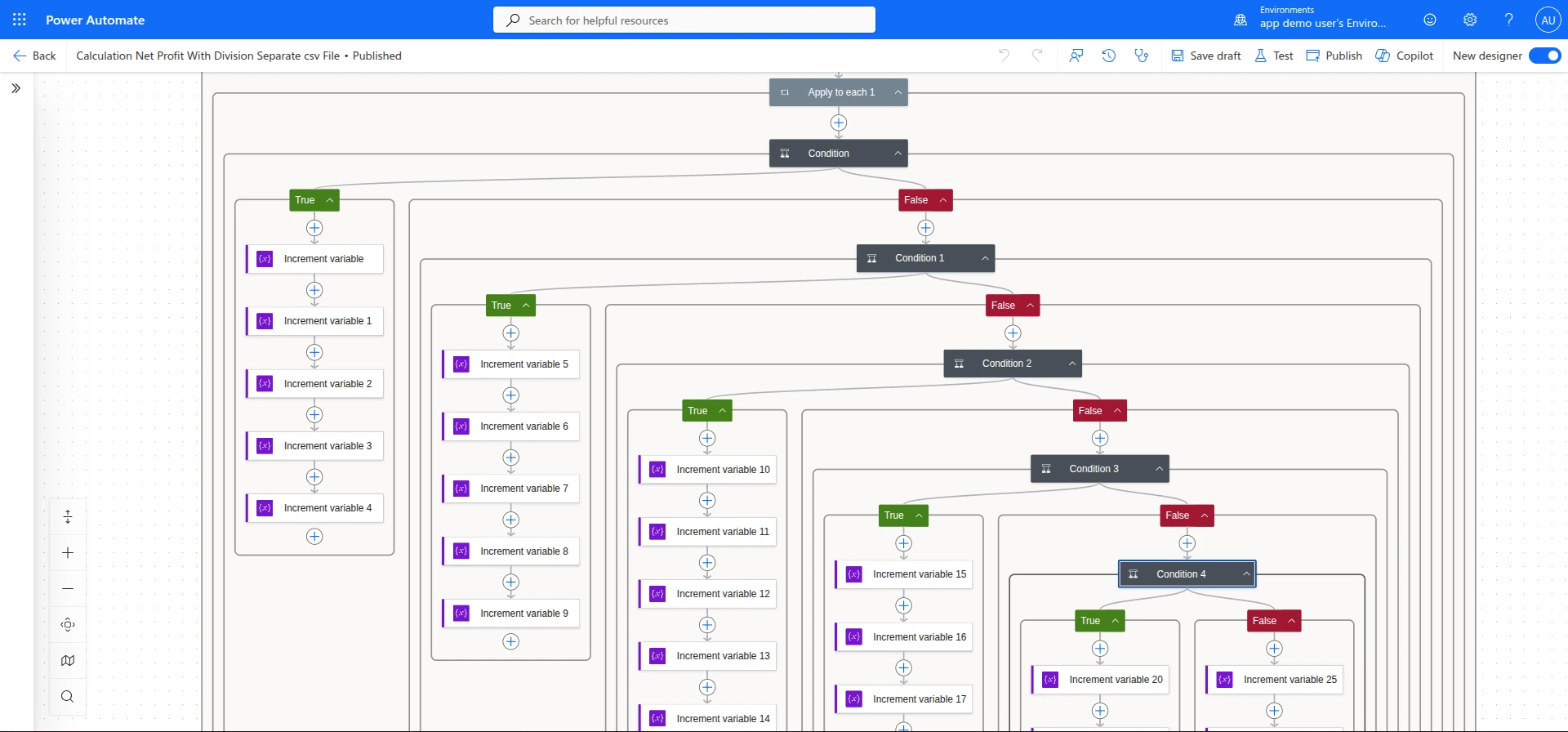
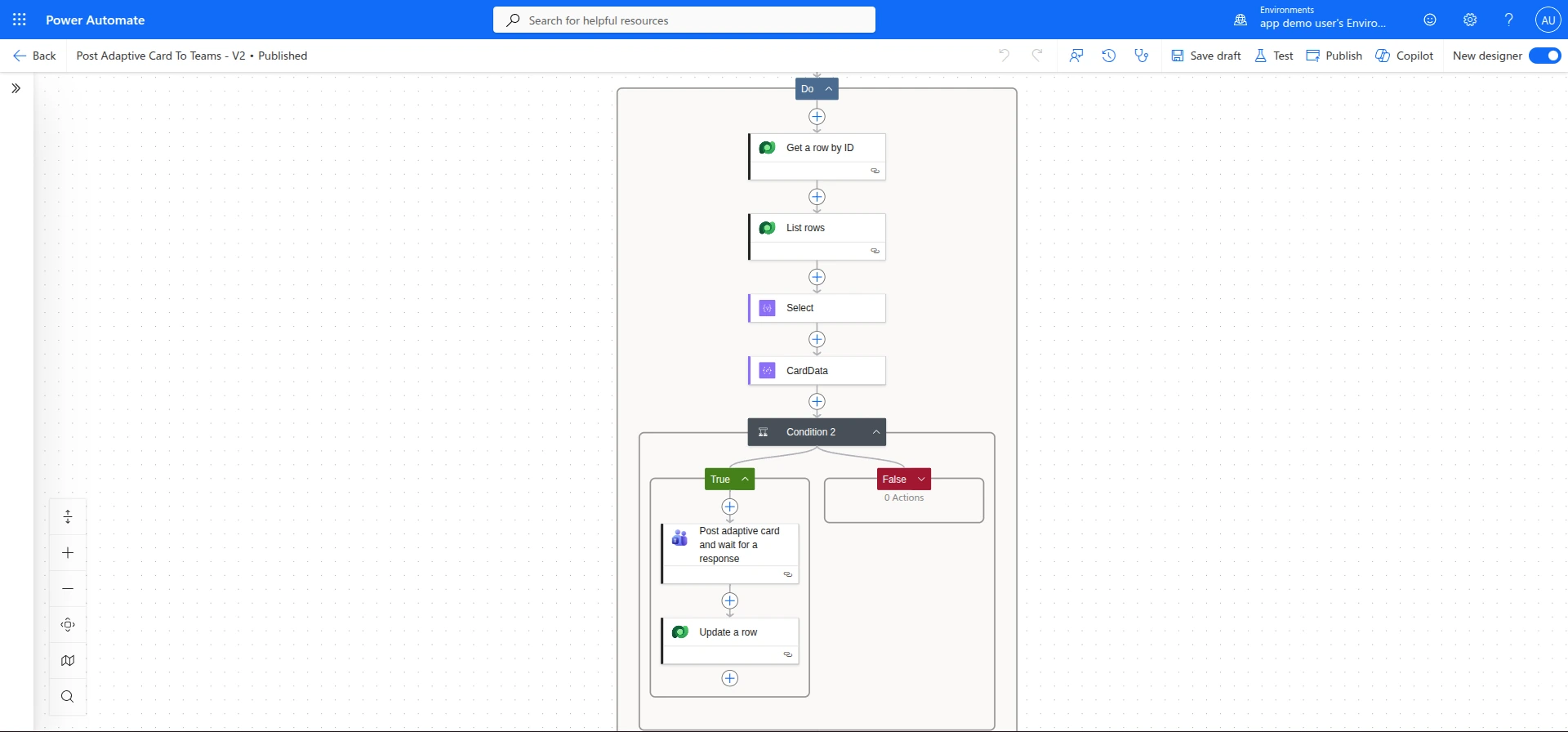
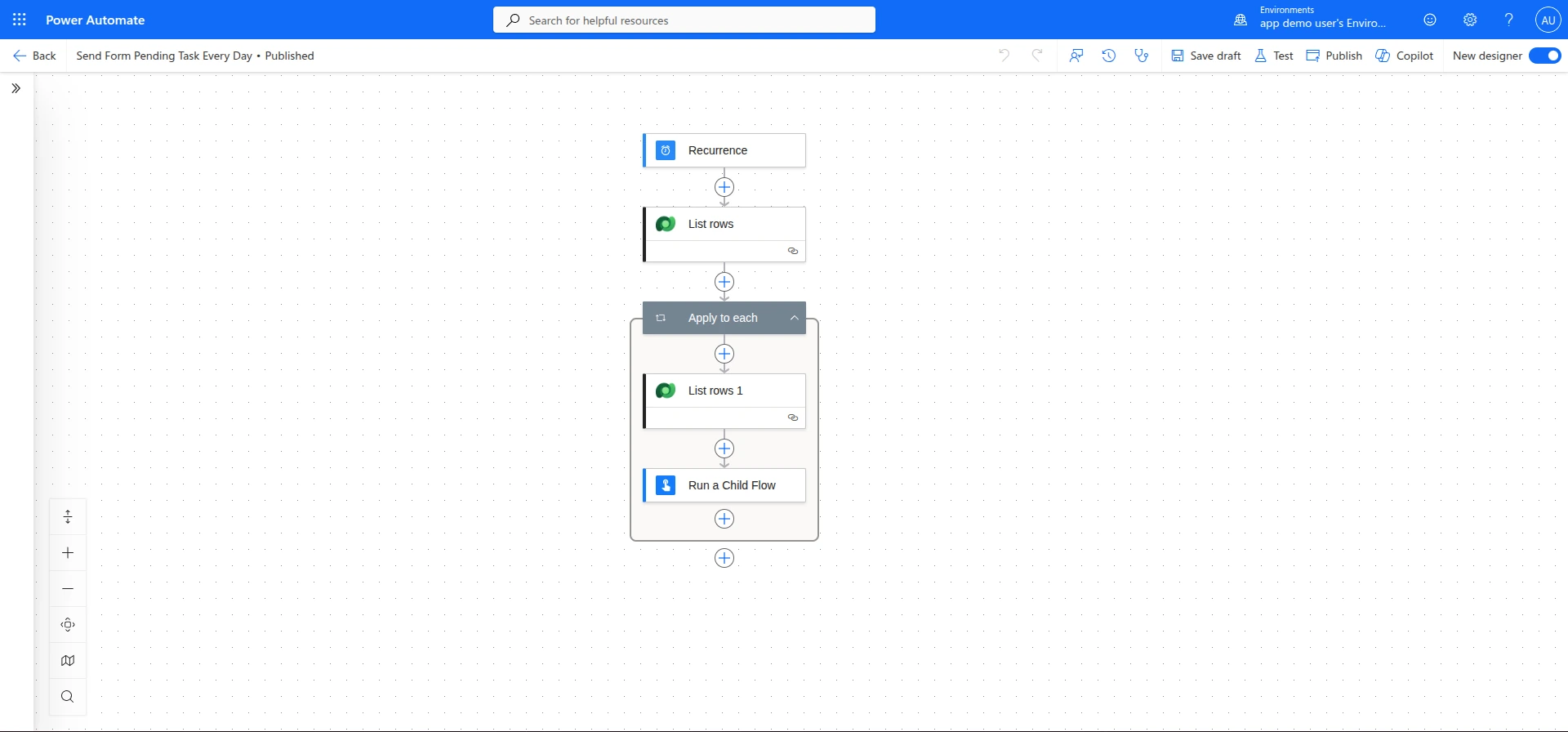
Three numbers that
tell the story upfront.
Automated workflows delivered
Complex enterprise workflow automation implementations using Microsoft Power Automate, covering approvals, RPA, and cros…
Manual work eliminated per month
Complex enterprise workflow automation implementations using Microsoft Power Automate, covering approvals, RPA, and cros…
Audit trail on all approvals
Complex enterprise workflow automation implementations using Microsoft Power Automate, covering approvals, RPA, and cros…
Before we got here,
here's what wasn't working.
A series of Power Automate implementations for enterprise clients covering approval workflows, RPA (Robotic Process Automation) for legacy system interaction, scheduled data synchronisations, and event-driven integrations across Microsoft 365 and third-party SaaS tools.
We confirmed every challenge with the team before writing a line of production code. The right column lists the pain points we tackled head-on and how we approached each one.
What wasn't working
BEFOREPower Automate throttling limits on high-volume flows
Redesigned high-volume flows to use batch processing patterns and Dataverse bulk API operations, staying within licence limits.
Don't over-engineer.
Solve what matters, ship fast.
The instinct on complex projects is to rebuild everything from scratch. We pushed back. A full rewrite often means months of regressions while engineering rebuilds features that were already working.
We mapped the existing workflow against actual usage. The result was clear: a small set of features accounted for the majority of user time. We rebuilt the core, shipped fast, and extended outward.
On the technical side, we made clear decisions early and held them. The right column shows what we chose, and why.
4 decisions we made early
CHOSEN / REJECTEDApproval Workflow Automation — how we built it
Custom Approval Workflow Automation — built for this product's exact needs and data model.
Generic SaaS tool that would require heavy workarounds and compromise the user experience.
RPA for Legacy Systems — how we built it
Custom RPA for Legacy Systems — built for this product's exact needs and data model.
Generic SaaS tool that would require heavy workarounds and compromise the user experience.
Scheduled Data Sync — how we built it
Custom Scheduled Data Sync — built for this product's exact needs and data model.
Generic SaaS tool that would require heavy workarounds and compromise the user experience.
Event-driven Triggers — how we built it
Custom Event-driven Triggers — built for this product's exact needs and data model.
Generic SaaS tool that would require heavy workarounds and compromise the user experience.
4 features that
define the product experience.
Every feature was scoped and shipped with the same priorities: speed, reliability, and staying out of the user's way.
Approval Workflow Automation
Multi-stage approval flows with conditional branching, SLA monitoring, and Teams notifications.
RPA for Legacy Systems
Power Automate Desktop bots interacting with legacy applications that have no modern API.
Scheduled Data Sync
Scheduled flows synchronising data between Dataverse, SharePoint, and external SaaS tools.
Event-driven Triggers
HTTP webhook triggers enabling real-time flow execution from external systems.
What changed,
measured against the day-one baseline.
We benchmark before we touch anything, logging every metric below against its state before we wrote a line of production code.
Want to build
something like this?
We ship fast. Talk to us about your product idea and we'll tell you exactly how we'd approach it.