
Zapier,
High-volume Zapier automation connecting 50+ SaaS tools
Zapier — Automation Case Study
Complex Zapier automation workflows connecting CRM, marketing, operations, and data tools to eliminate manual handoffs across business processes.
Three numbers that
tell the story upfront.
Zaps deployed
Complex Zapier automation workflows connecting CRM, marketing, operations, and data tools to eliminate manual handoffs a…
Manual work automated monthly
Complex Zapier automation workflows connecting CRM, marketing, operations, and data tools to eliminate manual handoffs a…
Zap success rate
Complex Zapier automation workflows connecting CRM, marketing, operations, and data tools to eliminate manual handoffs a…
Before we got here,
here's what wasn't working.
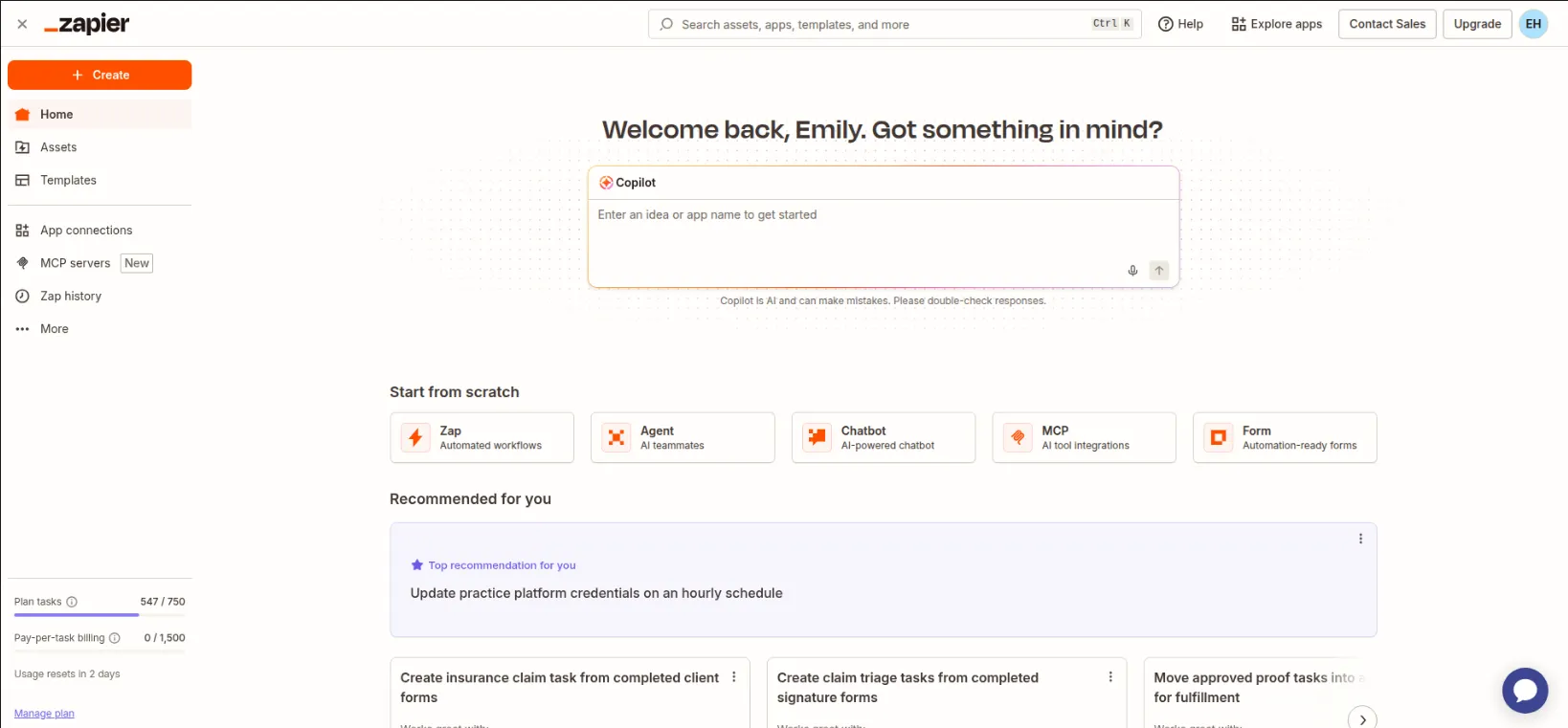
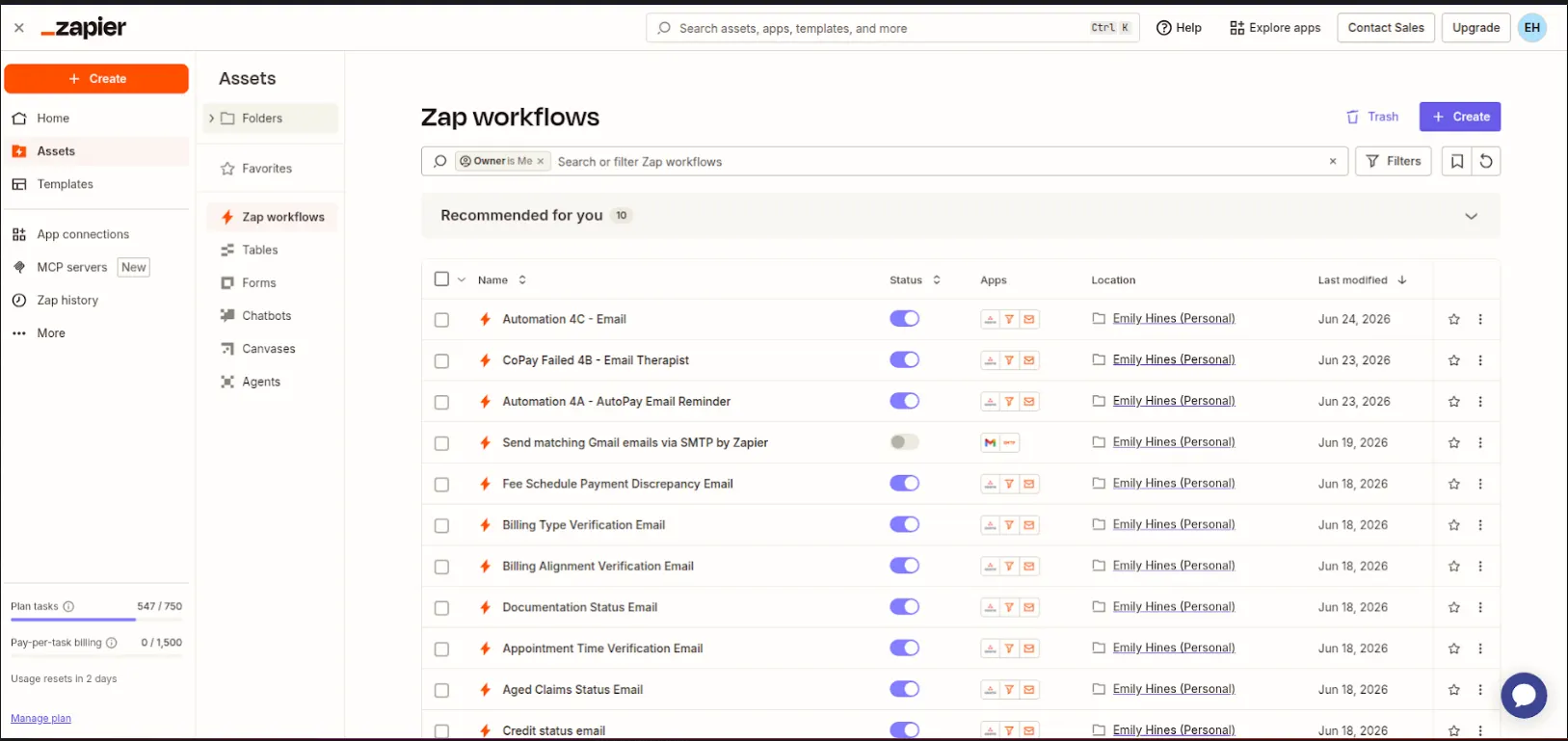
A collection of Zapier automation projects for clients looking to connect their SaaS stack without engineering resources. Work ranges from simple two-step Zaps to multi-step workflows with conditional logic, data transformation, and error handling.
We confirmed every challenge with the team before writing a line of production code. The right column lists the pain points we tackled head-on and how we approached each one.
What wasn't working
BEFOREComplex multi-path conditional logic exceeding Zapier's native capabilities
Used Zapier's Code step (JavaScript) to handle complex branching logic inline, keeping the workflow in one Zap.
Don't over-engineer.
Solve what matters, ship fast.
The instinct on complex projects is to rebuild everything from scratch. We pushed back. A full rewrite often means months of regressions while engineering rebuilds features that were already working.
We mapped the existing workflow against actual usage. The result was clear: a small set of features accounted for the majority of user time. We rebuilt the core, shipped fast, and extended outward.
On the technical side, we made clear decisions early and held them. The right column shows what we chose, and why.
4 decisions we made early
CHOSEN / REJECTEDLead Routing Automation — how we built it
Custom Lead Routing Automation — built for this product's exact needs and data model.
Generic SaaS tool that would require heavy workarounds and compromise the user experience.
Data Synchronisation — how we built it
Custom Data Synchronisation — built for this product's exact needs and data model.
Generic SaaS tool that would require heavy workarounds and compromise the user experience.
Automated Reporting — how we built it
Custom Automated Reporting — built for this product's exact needs and data model.
Generic SaaS tool that would require heavy workarounds and compromise the user experience.
Error Handling & Monitoring — how we built it
Custom Error Handling & Monitoring — built for this product's exact needs and data model.
Generic SaaS tool that would require heavy workarounds and compromise the user experience.
4 features that
define the product experience.
Every feature was scoped and shipped with the same priorities: speed, reliability, and staying out of the user's way.
Lead Routing Automation
Zap-powered lead routing from web forms to CRM with territory assignment and Slack notifications.
Data Synchronisation
Bi-directional data sync between CRM, spreadsheets, and databases triggered by record changes.
Automated Reporting
Scheduled Zaps that compile data from multiple sources into Google Sheets reports.
Error Handling & Monitoring
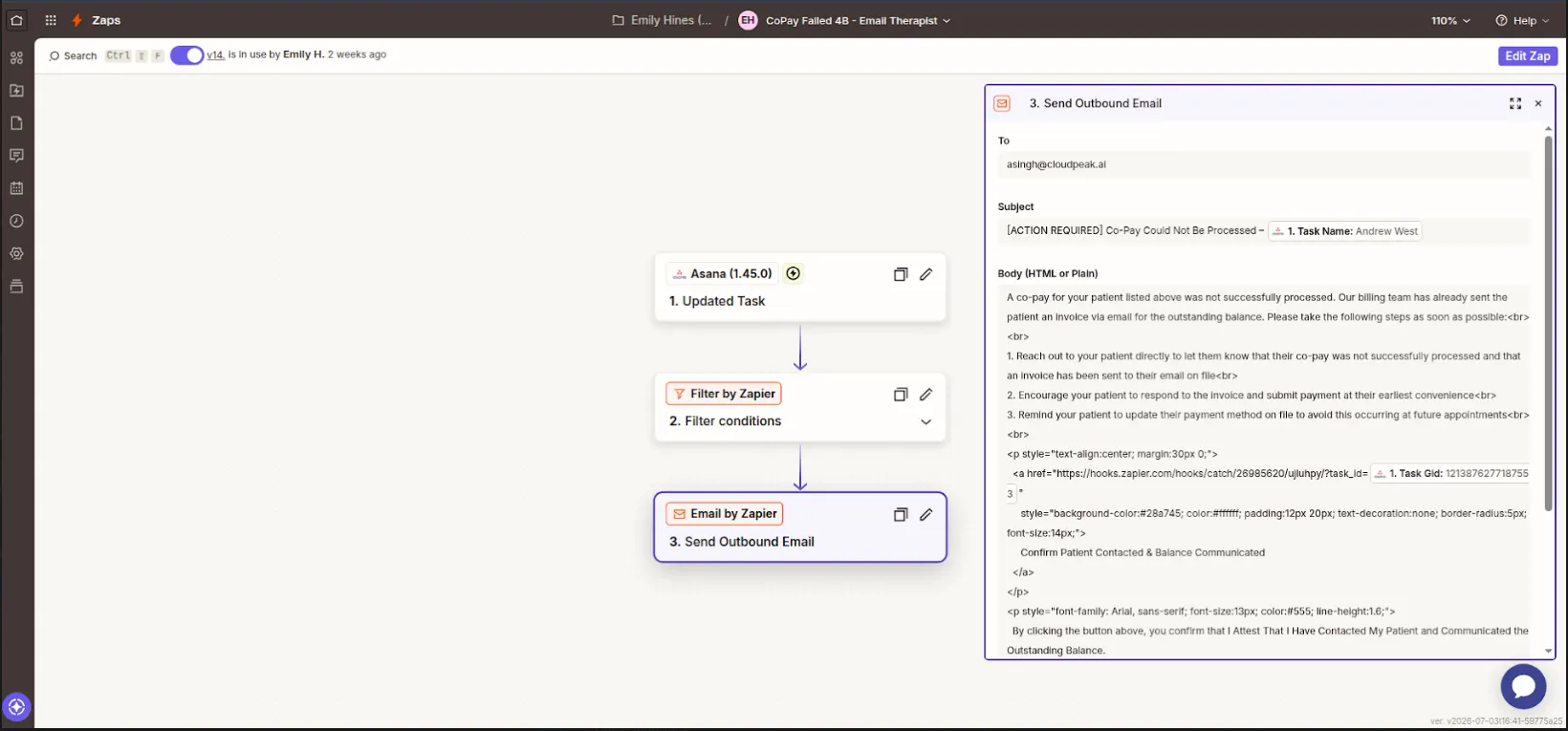
Zapier filters and Paths with Slack error alerts to ensure business-critical Zaps never fail silently.
What changed,
measured against the day-one baseline.
We benchmark before we touch anything, logging every metric below against its state before we wrote a line of production code.
Want to build
something like this?
We ship fast. Talk to us about your product idea and we'll tell you exactly how we'd approach it.